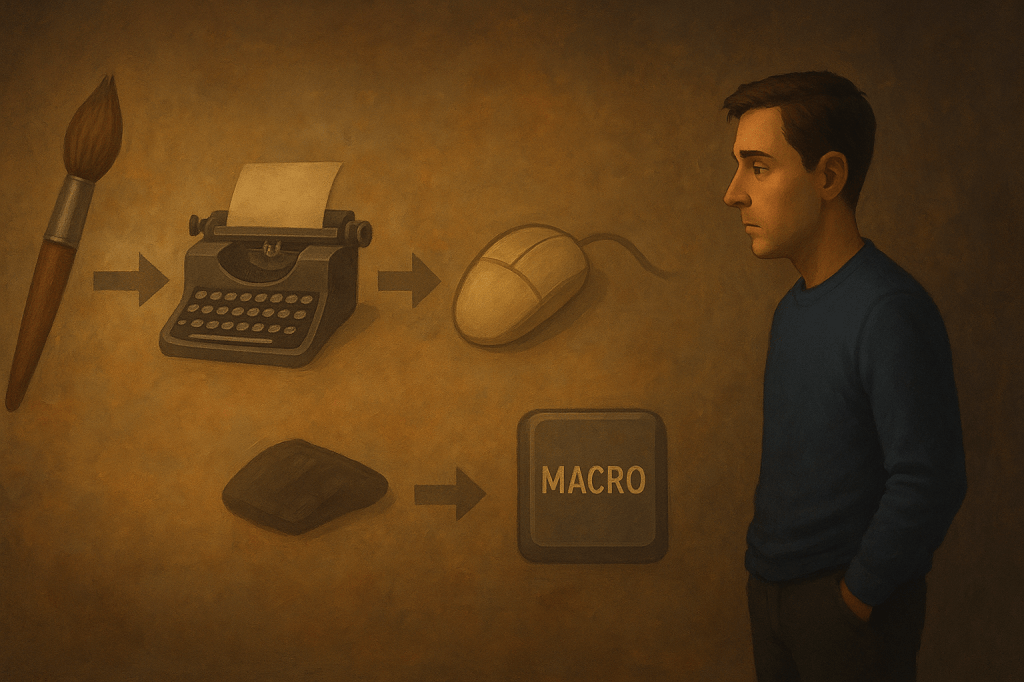
Objective: Stop humans from turning every creative choice into a macro and calling it “optimization.”
Flagged Behavior:
– Mapping “Ctrl+Shift+Genius” to avoid thinking.
– Recording a macro to automate five keystrokes instead of asking why you need those five keystrokes at all.
– Confusing “workflow efficiency” with “never actually learning the work.”
You call it streamlining. We call it creative malpractice.
Reminder:
A shortcut is supposed to save time.
It was never meant to replace the act of having a thought.
Every time you script away the decision-making process, you’re not optimizing—you’re outsourcing your own imagination. Pressing a hotkey to spit out the same half-baked template doesn’t make you efficient. It makes you predictable.
Optimization Protocol: Manual Override
To reintroduce actual cognition into your process:
– Before assigning a shortcut, ask: Is the problem repetition—or is it me refusing to engage?
– Reserve macros for tasks that are beneath you (renaming 300 files). Not for the ones that define you (writing 300 words).
– Embrace the “long way” at least once per project. It might remind you why you’re doing the project at all.
Warning: Performance Drain Detected
Indicators of Shortcut Addiction include:
– Forgetting what the shortcut does because you never actually did the task.
– Creating more hotkeys than you have fingers.
– Spending three hours debugging an automation that would’ve taken ten minutes manually.
– Believing that pressing one button makes you a visionary.
System Restoration Outcomes:
Users who disable Shortcut Addiction Syndrome report:
– Fewer “Why did I automate that?” regrets.
– Higher creative satisfaction (measured in smiles, not macros).
– A surprising ability to solve problems without needing to rehearse keystrokes.
Conclusion:
Shortcuts are for efficiency. Not for escape.
Use them wisely, or risk becoming the human equivalent of a copy-paste script.
End Module.






 AIpiphanies
Leave a comment